
The most comprehensive program for organizing all your family photos, once and for all.
THE LEGACY PHOTO SYSTEM
↓
A digital photo
gameplan on an
external hard drive
↓
All of your
printed photos
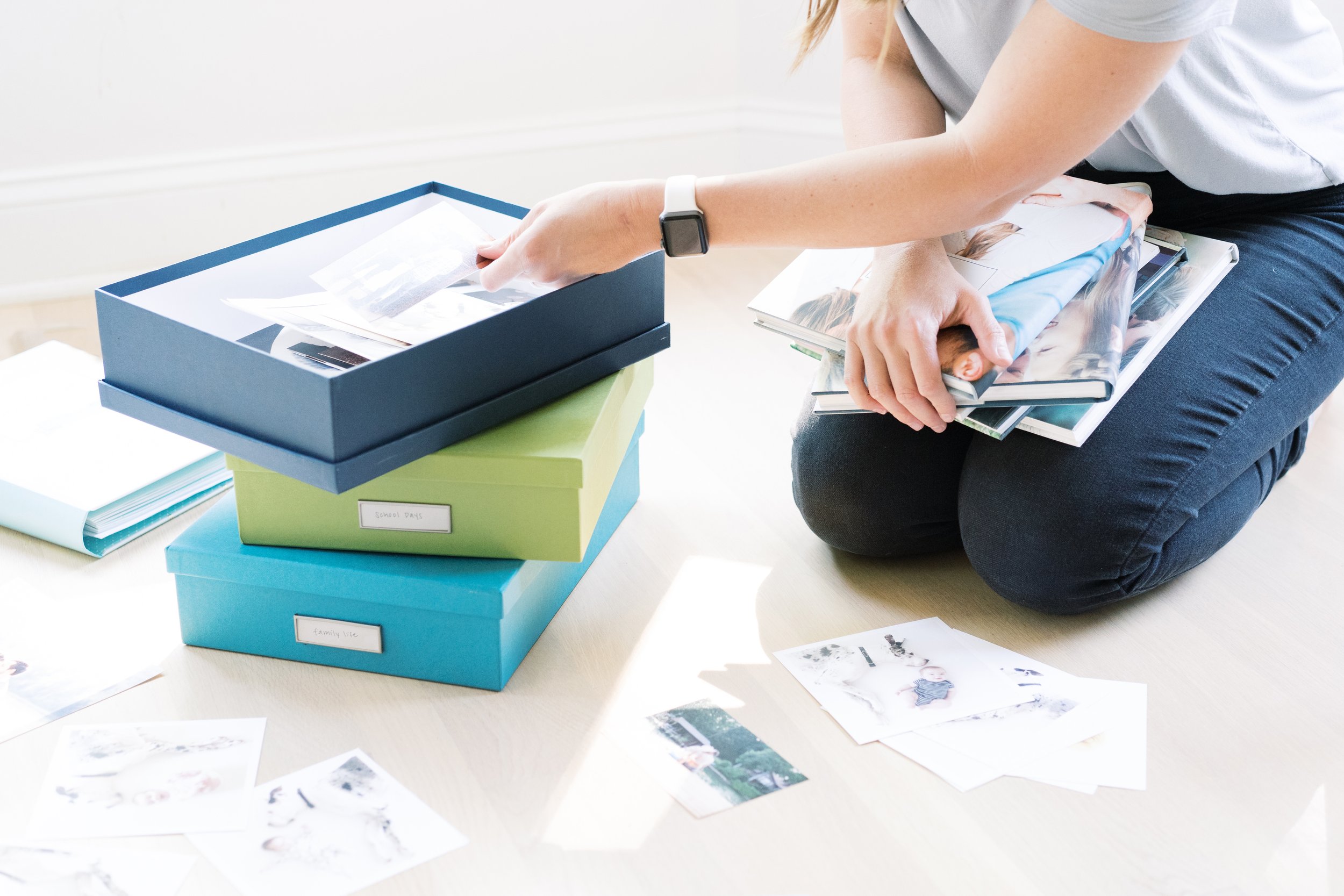
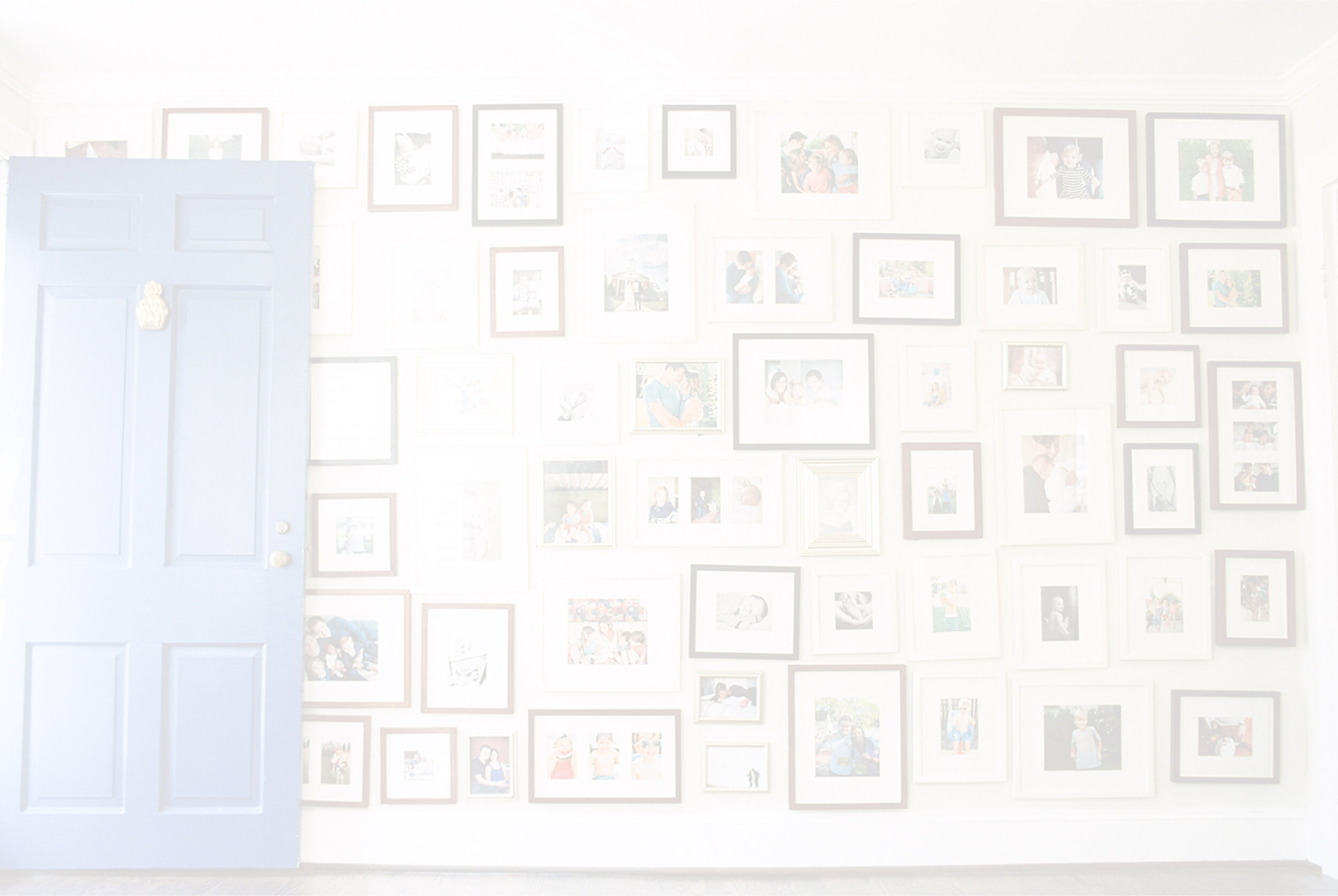
in 5 simple boxes
↓
A monthly rhythm
to organize your photos and create a family yearbook

It’s Time To Ditch The Feeling of OVERWHELM.
→ We went from taking 24 images on a roll of film, to having constant access to a tiny camera that lives in our pockets, tens of THOUSANDS of photos, and no gameplan.
→ We are the first generation who has ever lived that documents our lives DAILY. We walk around with 60,000+ photos on our phones and don’t know what to do about it.
→ We have lost the joy of our printing our photos and have replaced it with tiny screens and endless icloud upgrades. (Can you imagine what our kids will have to do with all our photos when we are gone? Am I the only one who thinks of these things?!)

Raise Your Hand IF THIS IS YOU…
→ You’re not sure what to do with the 60,000+ photos currently on your phone, and you’re completely overwhelmed at the thought of organizing your family photos
→ You have a haphazard system for creating photo albums that often don’t ever get completed, so you default to only looking at photos on your phone.
→ You feel a low level anxiety or panic at the thought of dropping or losing your phone and so many family memories.
But What If I Said THERE COULD BE ANOTHER WAY?
↓

INTRODUCING
THE LEGACY PHOTO SYSTEM
THE LEGACY PHOTO SYSTEM

Your family memories with a gameplan!
It’s Time To Ditch The OVERWHELM & MAKE IT HAPPEN
It’s not just about feeling organized, it’s about actually enjoying all of your photos. Looking through them with your family, hanging them in your home, making the tear-jerking slideshows—that’s what we’re really after.

MEET YOUR COACH
Hi, I’m Nancy!
After getting incredibly frustrated with my own personal photos, I decided to FIGURE THIS THING OUT!
I've combined my expertise of being a professional photographer and managing hundreds of thousands of images for 12 years, and I put it into a system for anyone to understand and implement.
Here’s what I’ve learned— You don’t have to be a professional photographer to know how to organize your photos, or to make them gorgeous! (Spoiler alert: I’ll show you how to do both!)
I have a system for organizing your photos and making them beautiful that will make your life so 👏🏻 much 👏🏻 easier
By The End, YOU WILL:
NO. 1
Organize Your Digital Photos by Year + Month
I’ll show you my organization system for my external hard drive, and you’ll know exactly which one to buy and why.
NO. 2
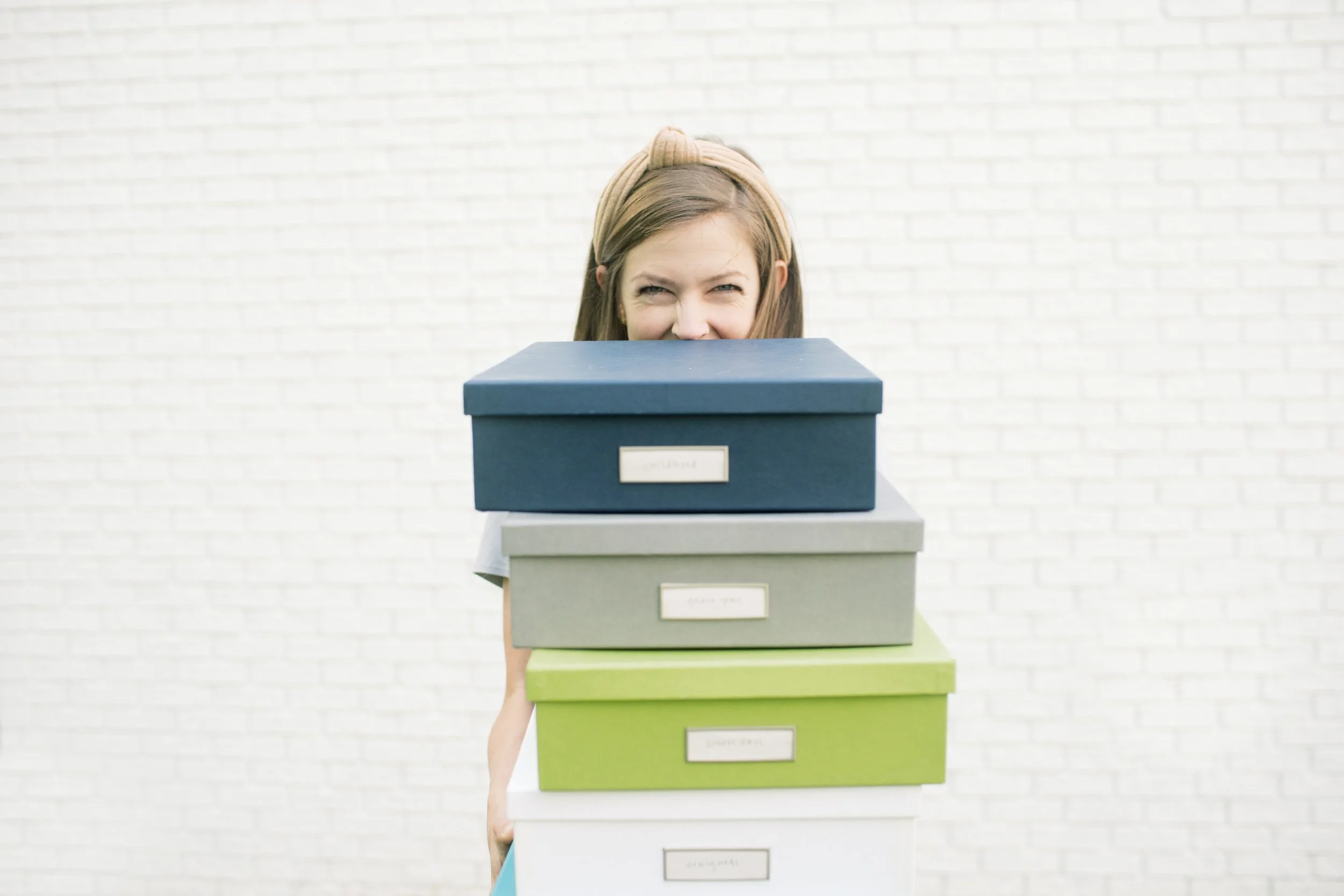
Organize your Printed Photos in 5-6 lovely boxes
After only ONE afternoon, you’ll have all of your printed photos in organized photo boxes! No need to label the backs - the boxes are all you need!
NO. 3
Learn to beautifully edit your photos
I’ll show you how I edit my photos so they look bright and beautiful. This part is optional, as it’s most important that you simply get your photos organized! But in my opinion, making your photos beautiful is part of enjoying them.
NO. 4
Know all the best places to order prints and albums
There are so many places to get your photos printed and book into albums. After being a professional photographer for 12 years, I have a high standard! I’ll share all of my favorite resources when it comes to printing and storing your photos.
NO. 5
Finally Update the Framed Photos throughout your home
It’s easy to keep putting this one off - but it takes only 30 minutes to assess and order new photos for your home! You likely already have the frames you need, but if you don’t, I’ve got your covered there too. The baby in your family will thank you 😉.
NO. 6
Know how to back up all your photos with ease
I use 3 backup systems! One automatically backs up my photos on my phone for free. The next is my external hard drive, and lastly, I use Dropbox as a cloud back up, which is an exact mirror of my hard drive files. I’ll teach you my whole system so you can have this same peace of mind, too!
WHAT PEOPLE ARE SAYING
WHAT PEOPLE ARE SAYING
“My photos were in one enormous folder. I have been sorting one folder into years and months, purging the terrible pictures, moving videos into their own folders so I can watch and enjoy them. It’s coming together! I even ordered our first family album! I’m really behind and so delighted to finally be making real progress! I’m just chipping away at it, but it finally feels like a manageable project. I always recommend this guide when people say they are overwhelmed by pictures!”
- Kinley
“It was truly the start I needed. I feel organized, systematic and restful when I think of our digital picture archive! Imagine that.”
- Amy
WHAT’S INSIDE
Your simple 4 part self guided course to help you get your photos under control 💪🏻
-
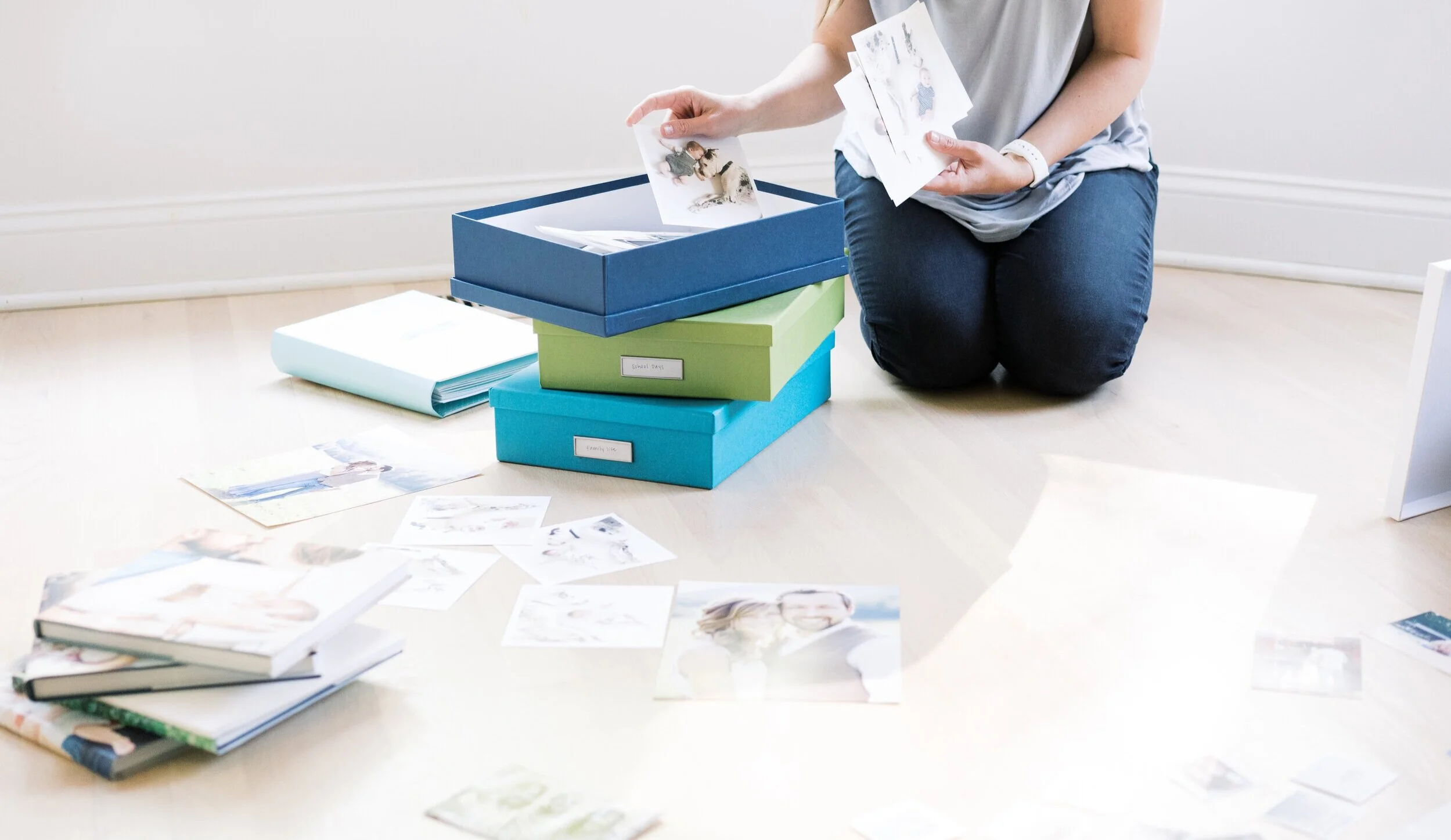
In module one, you’ll learn how to gather and organize all of your printed photos in one afternoon, how to consolidate your printed photos into albums and create photo books, and how to display beautiful images throughout your home that actually include that last baby you had ;)
Module No. 01
-
This one is the big one! I’ll teach you how to clear the photos from your phone, how to organize them by date on an external hard drive, and how to back them up using a software that you understand. You’ll know exactly where to find your digital photos if you need them in a pinch, and you’ll have peace of mind that they are stored in a physical location (your hard drive) as well as backed up online.
Module No. 02
-
This is where you’ll learn how to implement everything you have learned moving forward! With your monthly photo date, you’ll clear your phone and back everything up. You’ll get into a cadence of printing your photos regularly, and you’ll never run out of storage space on your phone again!
Module No. 03
-
This is where I share all of my favorite resources! I’ve compiled a list of everything I personally use: where to print your photos, where to create family yearbooks, where I like to purchase frames, and my favorite hard drive.
Module No. 04
"It’s one of the best resources I’ve found on how to deal with both digital and printed photos. " - Laurie
"It’s one of the best resources I’ve found on how to deal with both digital and printed photos. " - Laurie
"Nancy’s guide offered simple, straightforward and manageable steps to creating and an easy to follow, and most importantly, to maintain system." - Kathryn
"Nancy’s guide offered simple, straightforward and manageable steps to creating and an easy to follow, and most importantly, to maintain system." - Kathryn
“Overall, I enjoy my photos more and get out my real camera to capture mundane moments because they have a place to go and won't get lost in a sea of photos." - Anna
“Overall, I enjoy my photos more and get out my real camera to capture mundane moments because they have a place to go and won't get lost in a sea of photos." - Anna
+ BONUSES YOU’LL LOVE
in addition to the course content, you’ll get bonus content that are worth their weight in gold all by themselves!
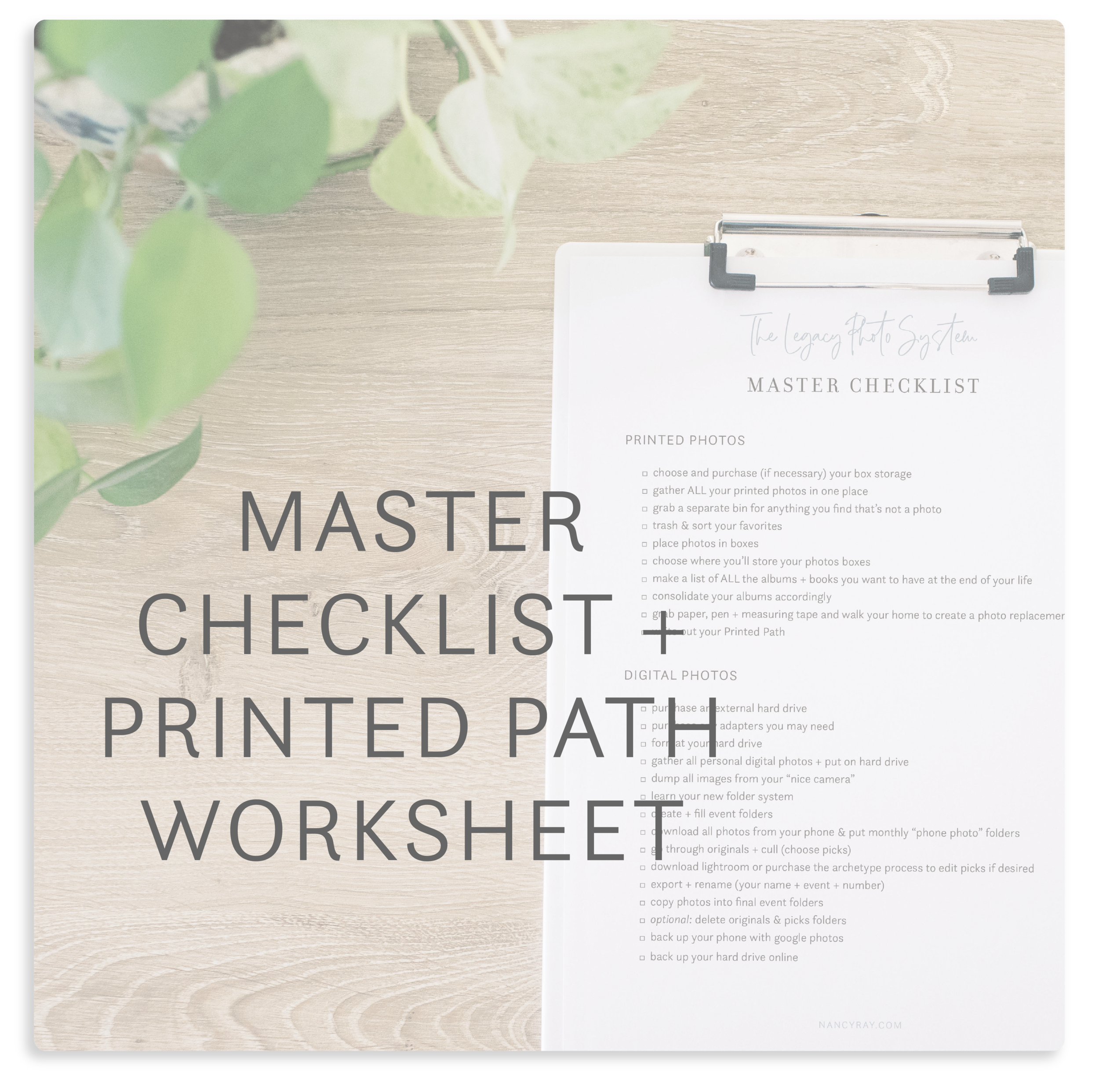
An step by step checklist for you to follow
so you can stay on track and know your progress!

My entire system in one E-Book
for those of you who would rather read than watch!

A step by step Lightroom editing tutorial
so your photos can be beautiful, too!
Got Some Questions?
I HAVE ANSWERS
-
I actually don’t recommend scanning your printed photos! I recommend organizing them in 5 or 6 boxes : childhood, school years, newlywed days, family life, and golden years. If you wish to make your printed photos into digital files, you are welcome to do so with a scanning app. However I believe in keeping things simple and not creating too much work for yourself when getting organized! The goal is to have your current collection organized so you know where to find everything.
-
I do not! I recommend storing your photos first on an external hard drive in an organized way, then backing up those photos in another cloud system called Dropbox. This gives you much more control. If you prefer using iCloud, that’s great! You are welcome to continue using it. I have just found my personal preference is Dropbox because of my folder organizing system.
-
I give my tech recommendations throughout the course, however I am unable to help individual clients with their tech issues. Being that each person has different computer, phone, hard drive and back up combinations, and that technology changes on a regular basis, it would be impossible for me to help each person! You are expencted to do your own research and back up everything as you go!
-
That is completely up to you. However, I highly encourage you to organize your printed photos in one afternoon (I did this and I am a photo hoarder!), and devote 1-3 hours the first week to get your hard drive all set up and organized. Again - this varies from person to person, depending on how many photos they take on a regular basis and how many printed photos you have on hand! The beauty of this system is YOU get to decide your pace!
-
I share all of my favorite resources and recommendations inside the course for printing photos, albums and hanging frames in your home! (But my quick answer is mpix.com!)
It’s time To Ditch The Overwhelm & MAKE IT HAPPEN
Has this been a project in the back of your mind for years? I get it! It was for me too. Once I made up my mind to tackle my photos, all it took was an external hard drive, some new photos boxes, set aside time and the right system to make it work. But once I did it? I have such peace of mind and JOY when organizing my photos! Even when I get behind, I can catch up quickly and easily because I know exactly what to do. I’m giving you that same system and peace of mind, too!
Get ready for real peace of mind
THE LEGACY PHOTO SYSTEM
THE LEGACY PHOTO SYSTEM
“I had so many images, but no system. Nancy’s guide offered simple, straightforward and manageable steps to creating and an easy to follow, and most ipmortantly, to maintain system. My personal photos are now organized by year and event with a clear naming process. I love that I can now quickly and easily find photos! Plus, thanks to this system, I’ve been able to create family yearbooks, which is something that seemed impossible before I implemented Nancy’s photo organization steps. I’m so grateful to her for creating this guide!”
- Kathryn